
CapCut Templates for Reels, Shorts & TikTok
Explore popular CapCut templates, discover creative effects, and follow practical editing guides to make your next video stand out.
Video styles for TikTok, Instagram Reels, and YouTube Shorts.
CapCut Editing Guides
Get started with clear, practical guides to installing CapCut, improving your edits, and managing your subscription.
 Getting startedHow to Download CapCut in IndiaExplore supported devices, installation options, and important safety tips.Read guide →
 Editing skillsAdd Auto Captions in CapCutCreate subtitles, adjust their timing, and correct caption mistakes.Read guide →
 Beginner tutorialHow to Use CapCut in IndiaUnderstand your editing options across devices and get started with your first project.Read guide →
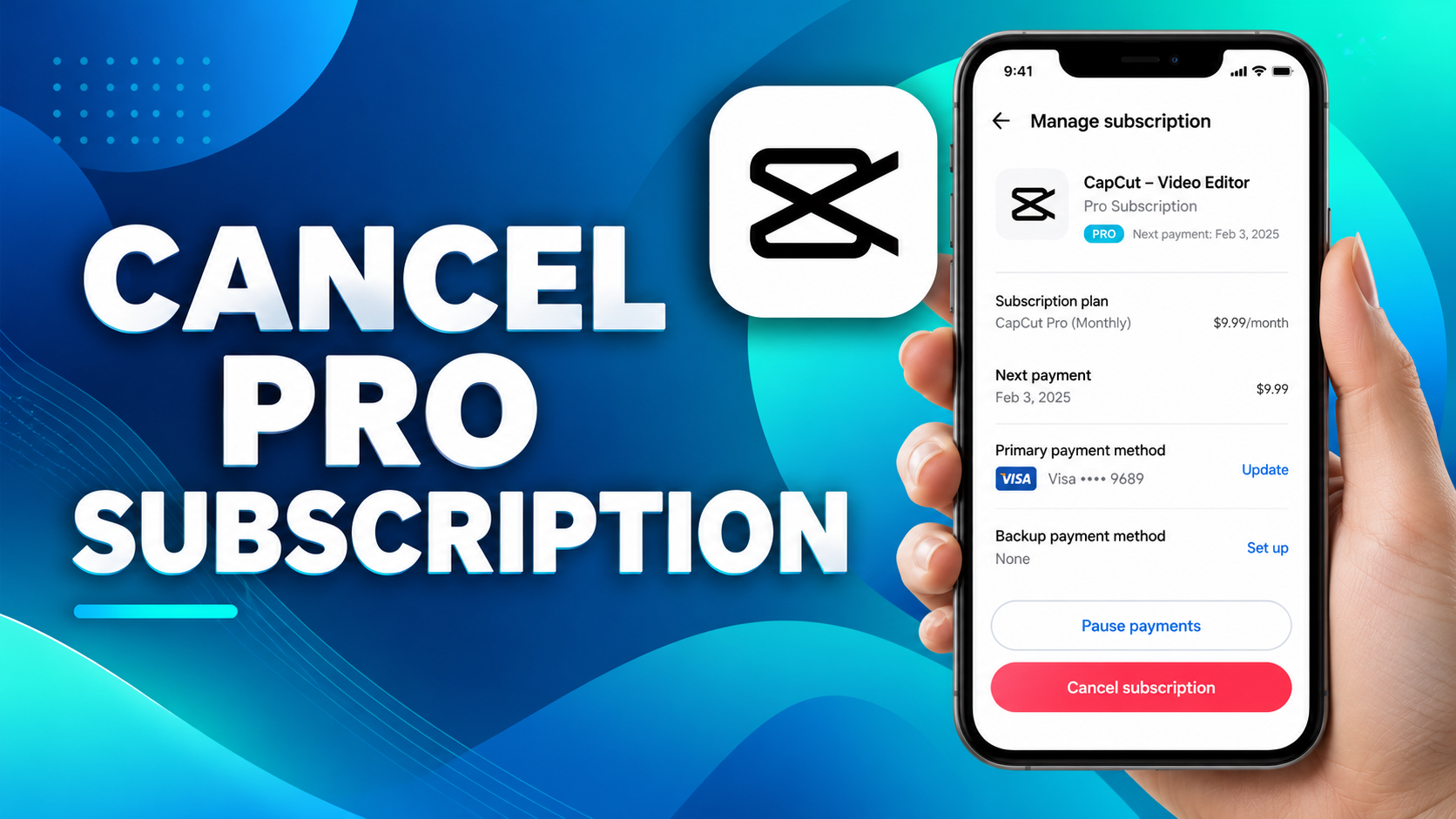 Account & billingCancel a CapCut SubscriptionFind the correct cancellation steps for Apple, Google Play, or direct billing.Read guide →
Popular CapCut Templates
Discover creative video styles, speed effects, and photo transitions. Choose a template to see previews and usage tips.
 Velocity effectsSpeed Ramp CapCut TemplateSmooth speed changes and cinematic velocity edits.Explore template →
 Anime effectsAnime Face CapCut TemplateAnime-inspired looks, filters, and transitions.Explore template →
 Soft glowDreamy Glow CapCut TemplateSoft lighting, dreamy tones, and aesthetic edits.Explore template →
 Slow motionSlow Motion CapCut TemplateSmooth slow-motion transitions and beat edits.Explore template →
 Photo montagesPhoto Dump CapCut TemplateTurn your favorite photos into short video montages.Explore template →
 Photo zoom3D Zoom CapCut TemplateExplore photo depth, motion, and zoom effects.Explore template →
How to Use CapCut Templates
CapCut templates are pre-built video edits with arranged clips, transitions, effects, and timing. They can help you make Reels, TikToks, and Shorts without constructing every edit from scratch. Choose a style that suits your footage, then customize it in CapCut.
Pick a template style
Browse our Speed Ramp, Anime Face, and Photo Dump collections. Review the previews to find a suitable effect.
Open it in CapCut
Follow the template link on its article page. If supported in your region and app version, it should open the template in CapCut so you can see the required media slots.
Add your photos or clips
Select media from your device, check the order and framing, and preview how the template applies effects. Replace any clip that does not fit the timing.
Review and export
Check text, music rights, and transitions before exporting. Choose the aspect ratio and resolution needed for your destination platform.
Template link not opening?
Try updating the CapCut app, checking your connection, and opening another template. Some templates are unavailable in particular regions or are removed by their creators. Read our template troubleshooting guide.
Prefer editing from scratch?
Explore auto captions or learn about automatic velocity effects. These guides explain practical editing options beyond premade templates.
CapCut Template New Trend
Looking for more creative options? Browse our CapCut template collections and explore different styles for Reels, TikTok, and Shorts. Template availability can change by region, app version, or creator, so check each preview and link before you start editing.
Frequently Asked Questions About CapCut Templates
What is a CapCut template link?
A CapCut template link is a shareable URL that opens a pre-made video design inside the CapCut app. Tap the link, choose your media, and the template applies its effects and timing to your clips.
Are CapCut templates free?
Most templates on this site are free to use in the CapCut app. A few may use premium effects, which we note on the template’s page when we know about it.
Why is a template link not working?
The most common causes are an outdated CapCut app, a region restriction, or the template creator removing the template. Update the app first, then try another link from the same category.
Can I use these templates for TikTok and Instagram Reels?
Yes. Videos exported from CapCut work on TikTok, Instagram Reels, YouTube Shorts and other platforms.