How Much Does CapCut Cost? Free vs Pro Plans Explained
How much is CapCut? The basic CapCut editor is free. On CapCut’s public US pricing page checked on October 16, 2026, Pro was listed at $19.99 per month, Ultra at $79 per month, and a Teams option at $12.49 per seat per month for the displayed two-seat configuration. A separate Standard subscription is described in CapCut’s help pages, but its price is not consistently displayed on the public pricing page. Your signed-in checkout controls the final plan availability, taxes, promotions and renewal amount.
This guide compares Free, Standard, Pro and higher tiers, explains what you’re actually paying for, and shows how to check the correct price before subscribing. Prices and benefits can change, so treat the figures below as dated reference points rather than guaranteed offers.
CapCut Pricing at a Glance (October 2026)
| Plan | Public US reference | Best fit | Important caveat |
|---|---|---|---|
| Free | $0 | Basic editing and trying the editor | Premium-marked tools or assets may require payment |
| Standard | Check the app | Mobile-first casual creators | Not consistently shown on the public web pricing grid |
| Pro | $19.99/month | Creators needing premium tools and cross-device work | Actual checkout may differ |
| Ultra | $79/month | Heavy users of eligible AI features | Credit allowances and terms vary |
| Teams | $12.49/seat/month on displayed two-seat option | Shared workspace and brand-kit needs | Seat count, offers and billing can change |
These figures are from CapCut’s official pricing page as displayed in US-dollar search results. Some visitors may see a different currency, plan grid or AI-credit allowance. The checkout shown to your account is the relevant price before purchase.
Is CapCut Free, or Do You Have to Pay?
You can start editing without a paid subscription. CapCut advertises free templates and basic editing tools, which makes Free a reasonable place to learn cutting, arranging clips, adding text, and exporting a simple project. You do not need Pro just to discover whether the editor fits your workflow.
The important distinction is between using CapCut for free and using every CapCut asset or feature for free. Some effects, templates, advanced AI actions, storage options, or export choices can carry paid labels. A project may include premium items even if you began editing on the Free plan. Before spending hours on a video, inspect the items you’ve selected and run a test export.
Do not assume every free export always has a watermark, or that every export is always watermark-free. Behavior depends on the tool, template, asset, project and current app version. Check the actual preview and export dialog on your device.
For an overview of editing capabilities before deciding whether to upgrade, read our CapCut features guide.
CapCut Free vs Pro: What Changes?
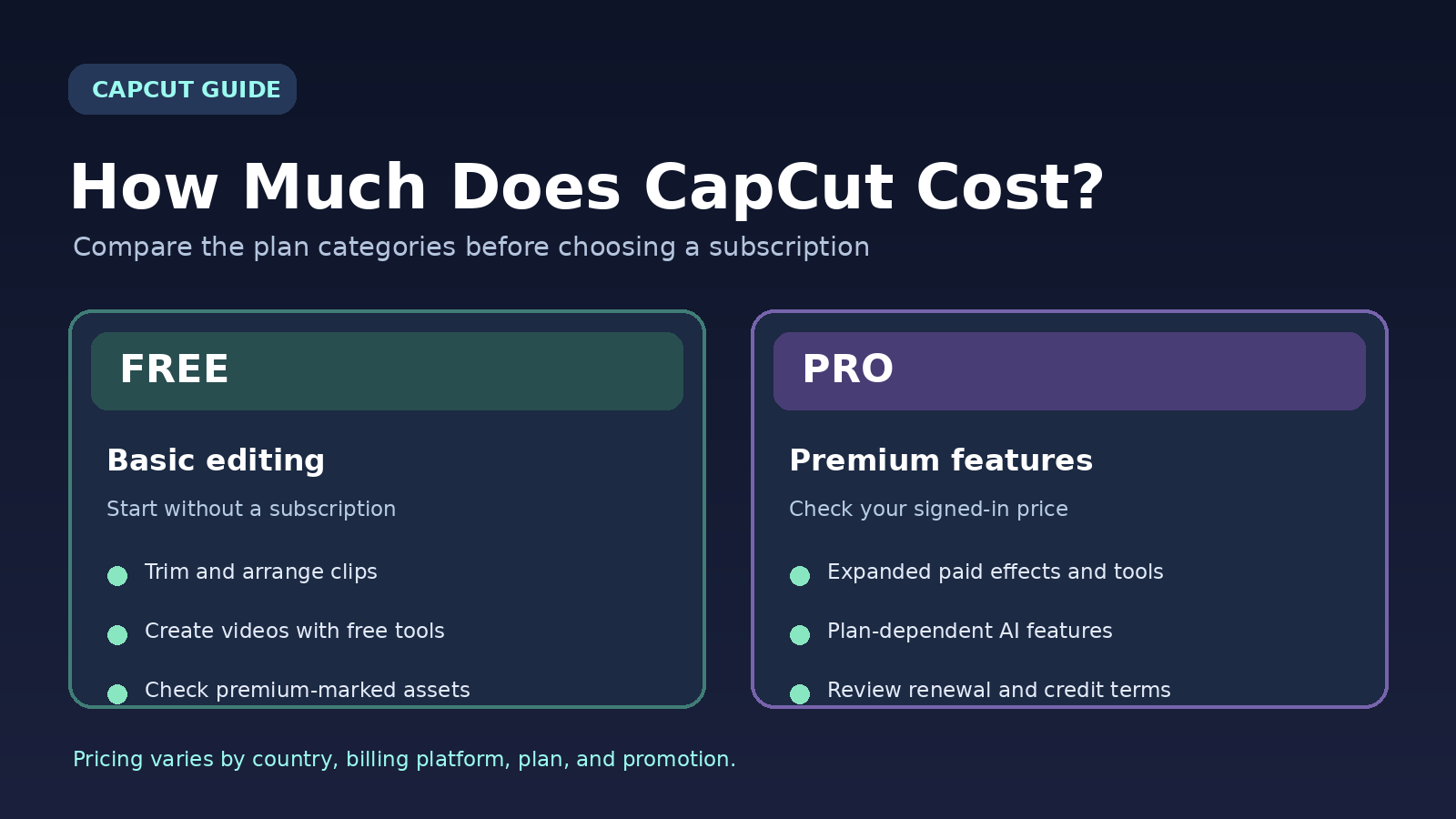
Free covers the editing essentials; Pro focuses on expanded premium assets, AI capabilities and larger cloud workflows. The official plan comparison describes Pro as suitable for creators who work across mobile, desktop and web, while Standard focuses primarily on mobile use.
| Feature area | Free | Pro |
|---|---|---|
| Core timeline editing | Basic tools | Core tools plus premium options |
| Templates and effects | Free selections | Premium templates and assets included as specified |
| AI tools | Limited or feature-dependent | Broader access; some usage uses credits |
| Cloud workspace | Plan-dependent | Up to 1 TB in current public US plan description |
| Mobile, desktop and web | Free editor where available | Cross-platform premium benefits described by CapCut |
| Commercial assets | Check each asset’s license | Additional eligible commercial-use assets; license terms still apply |
Features are not identical in every country or app build. For example, automatic captions can be available with different limits or premium labels depending on platform and version. See our CapCut auto-captions guide for a task-specific walkthrough.
What Is CapCut Standard, and How Much Does It Cost?
CapCut introduced a Standard tier for people who want more than Free but do not need the full Pro package. Its official pricing-change explanation says the membership structure was revised and the previous prices may not be offered to new subscribers. The device eligibility guide explains that Standard benefits are primarily for mobile and that premium PC features generally require Pro.
Although some third-party comparisons quote a specific Standard monthly price, that figure is not a universal promise. Open CapCut on your phone, sign in, and review the membership screen. If Standard is not offered to your account, do not rely on a screenshot from another country. Compare exactly which effects and features are included in the plan you can actually purchase.
CapCut Pro Monthly vs Yearly: Which Costs Less?
CapCut offers monthly and annual Pro billing in many markets, but annual quotes can vary by region, device, account and promotion. The public US monthly reference checked for this guide is $19.99. Paying that amount for 12 months would cost $239.88 before taxes if the monthly price stayed unchanged. The annual plan may be cheaper, but you must compare it with the specific renewal price offered to you.
To decide, divide your annual checkout price by 12 to find the effective monthly rate. Then compare it with how many months you realistically expect to edit. A yearly plan that saves money for a full year can still be a poor choice if you only need Pro for a single project.
Example: If you need Pro for two months at the public $19.99 monthly reference, that is $39.98 before tax. If you expect to use it continuously, compare your actual yearly quote against $239.88, and check whether the offer is an introductory price that changes at renewal.
Do not confuse a free trial or first-month promotion with the recurring price. Read the date and amount of the next charge before accepting any subscription.
What Are CapCut Ultra and Teams?
CapCut’s current public pricing grid also advertises Ultra, a higher-priced tier aimed at users who need more AI-generation capacity. The US public reference is $79 per month. CapCut lists additional AI capabilities and a larger credit allowance than Pro, but the exact allowance can differ between pricing displays. If you mostly trim clips, add captions and publish social videos, Ultra is unlikely to be necessary.
Teams is a different buying decision. It is meant for multi-person workflows, including features such as a shared brand kit and per-seat access. The publicly displayed US example was $12.49 per seat per month for a two-seat selection; do not treat that as the cost of a one-person Pro plan. Confirm minimum seats, total bill, collaboration permissions and renewal terms in checkout.
If you’re new to the app, our CapCut setup and usage guide and CapCut download guide for India discuss availability and getting started.
How to Check Your Exact CapCut Price on iPhone, Android, PC or Web
On iPhone or Android
- Open CapCut and sign in to the account you plan to use.
- Open your profile or membership area, then choose the upgrade or join option.
- Compare the plans shown for your account, including Standard if offered.
- Before confirming through Apple or Google, inspect the full price, currency, taxes, billing interval and next renewal date.
On Windows or Mac
- Open the official CapCut desktop app and sign in.
- Find the account or upgrade control; the label may differ by version.
- Open the plan comparison and verify which premium features work on desktop.
- Review the web checkout or other billing page you are sent to before paying.
On the Web
- Visit the official CapCut pricing page.
- Sign in to see account-specific offers where available.
- Switch between monthly and yearly if both are offered.
- Review the final charge, taxes, auto-renewal and cancellation conditions.
CapCut’s official price-check instructions cover these platforms. Prices can differ because of currency conversion, regional taxes and promotions, as CapCut explains in its regional pricing guide.
Does CapCut Pro Include Unlimited AI Features?
Not necessarily. A subscription can unlock access to AI features while still imposing credit balances, generation quotas, resolution limits or separate usage charges. CapCut’s US public Pro reference includes a monthly AI-credit allowance, and the Ultra plan lists a larger one. The exact credit count and how many seconds of generated media those credits buy can change with the tool and plan.
Before upgrading for one AI feature, check its label, estimated credit cost, supported output, commercial-use terms and whether your device can access it. A monthly subscription does not automatically mean unlimited AI video generation. For ordinary trimming, titles and basic editing, you may not need AI credits at all.
Before upgrading, try the editing workflow in our CapCut beginner guide to check whether the free tools already meet your needs.
Is CapCut Pro Worth Paying For?
Stay on Free if you’re learning the editor, making occasional short videos, or primarily using free templates and basic cuts. Finish one project and export it successfully before considering a paid tier.
Consider Standard if your account offers it, you edit mainly on a phone, and a specific included feature would save you time. Verify that it covers your intended tools and does not leave out desktop features you need.
Consider Pro if you repeatedly need premium assets, use paid editing tools across devices, or depend on larger cloud and AI workflows. Price the feature you need rather than upgrading just because an effect has a crown icon.
Consider Ultra or Teams only if your usage justifies extra AI capacity or shared workspaces. For a small creator, the lower tiers may be sufficient. If you are creating content for clients, also review licensing and ownership terms instead of assuming every premium asset is unrestricted.
Before paying for an export or watermark-related feature, see our CapCut watermark guide for related editing options.
How to Avoid Surprise CapCut Charges
Most paid plans renew automatically unless you cancel through the correct billing provider. Set a reminder before renewal and keep the original receipt. If you subscribed through Apple, manage the subscription in your Apple account; if through Google Play, use Google Play subscriptions. If billed directly by CapCut, use the relevant CapCut account billing page or support instructions.
Deleting the app does not automatically cancel a paid plan. If you decide Pro is no longer worth the cost, follow our step-by-step CapCut subscription cancellation guide. CapCut’s subscription help also explains auto-renewal and refund limitations. Confirm that the cancellation is recorded and save the confirmation email or screenshot.
Frequently Asked Questions
How much is CapCut Pro per month in 2026?
The public US web reference checked October 16, 2026 showed $19.99 per month. Your final signed-in checkout may differ because of region, taxes, promotions or billing channel.
Is there a CapCut Pro yearly plan?
CapCut describes both monthly and annual plans. Check the yearly quote inside your account rather than assuming a fixed global price.
Is CapCut Standard the same as Free?
No. CapCut describes Standard as a separate membership option for mobile-focused creators. Availability and pricing can vary by account.
Can I use CapCut without paying?
Yes, the Free tier includes basic editing tools and free templates. Premium-labeled tools or assets may require an upgrade.
Does paying for CapCut remove every watermark?
Do not assume every template, imported asset or export behaves identically. Check the project’s premium items and test the actual export before relying on a watermark-free result.
Can I cancel Pro after one month?
Monthly subscriptions generally renew until cancelled through the billing provider. Check your account’s next billing date and the cancellation terms that apply to your purchase.
Bottom Line: Choose the Plan You Will Actually Use
For most beginners, CapCut Free is the sensible starting point. Upgrade only when a specific paid feature, asset or workflow saves enough time to justify the cost. The US public Pro reference was $19.99/month on October 16, 2026, but the amount that matters is your signed-in checkout and renewal terms.