Skip to content
capcut template
  • Home
  • All Templates
  • CapCut Trends
  • New Trends
  • Helpful Guide
  • Contact
capcut template

Uncategorized

Is CapCut safe for kids? Original checklist graphic showing US age 13 minimum, parental consent and review before sharing
Uncategorized

Is CapCut Safe for Kids? Age Limits and Parent Safety Tips (2026)

ByJason Reading Time: 7 minutes

Is CapCut safe for kids? Learn the US minimum age, parental consent rules, privacy concerns, and practical ways to help teens edit and share more safely.

Read More Is CapCut Safe for Kids? Age Limits and Parent Safety Tips (2026)Continue

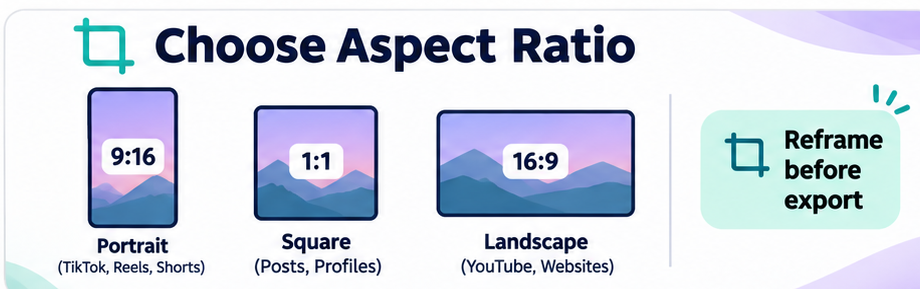
CapCut aspect ratio comparison showing 9:16 vertical 1:1 square and 16:9 landscape video formats
Uncategorized

How to Change Aspect Ratio in CapCut for TikTok, Reels, and YouTube

ByJason Reading Time: 5 minutes

Change aspect ratio in CapCut on mobile and PC for TikTok, Reels, Shorts and YouTube. Learn 9:16, 16:9, 1:1 and fix cropping before export.

Read More How to Change Aspect Ratio in CapCut for TikTok, Reels, and YouTubeContinue

Is CapCut safe? Privacy checklist covering media permissions, data collection, AI features and sharing settings
Uncategorized

Is CapCut Safe? Privacy, Permissions, AI & Data Explained (2026)

ByJason Reading Time: 7 minutes

Is CapCut safe? Learn what data it collects, how device permissions and AI work, and what to check before uploading private videos.
Read More Is CapCut Safe? Privacy, Permissions, AI & Data Explained (2026)Continue

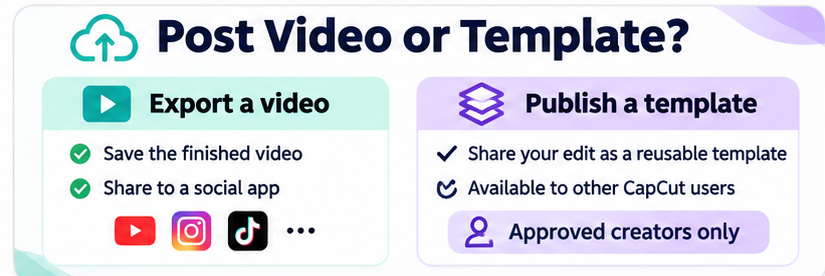
How to post on CapCut: export a finished video or publish a reusable template with creator approval
Uncategorized

How to Post on CapCut and Share Your Videos or Templates

ByJason Reading Time: 5 minutes

Learn how to post from CapCut, export videos for TikTok or Instagram, and publish templates if your creator account is approved.
Read More How to Post on CapCut and Share Your Videos or TemplatesContinue

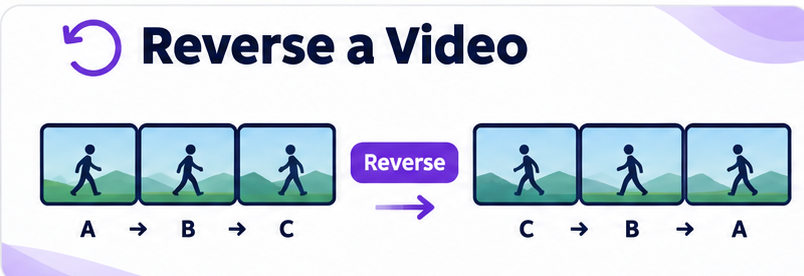
How to reverse a video in CapCut by changing the frame order from A B C to C B A
Uncategorized

How to Reverse a Video in CapCut on Mobile and PC

ByJason Reading Time: 5 minutes

Learn how to reverse a video in CapCut on Android, iPhone and PC, reverse only one clip, fix processing errors and handle sound correctly.
Read More How to Reverse a Video in CapCut on Mobile and PCContinue

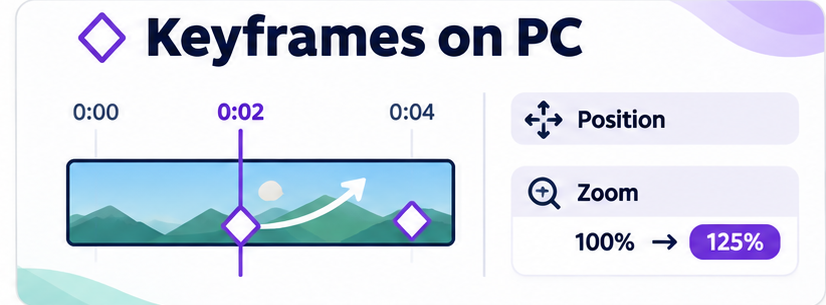
CapCut PC keyframes timeline showing position changes and zoom from 100 to 125 percent
Uncategorized

How to Add Keyframes in CapCut PC for Smooth Animation

ByJason Reading Time: 5 minutes

Add keyframes in CapCut PC to animate zoom, position, rotation and opacity. Follow a practical desktop example and fix missing or jerky keyframes.
Read More How to Add Keyframes in CapCut PC for Smooth AnimationContinue

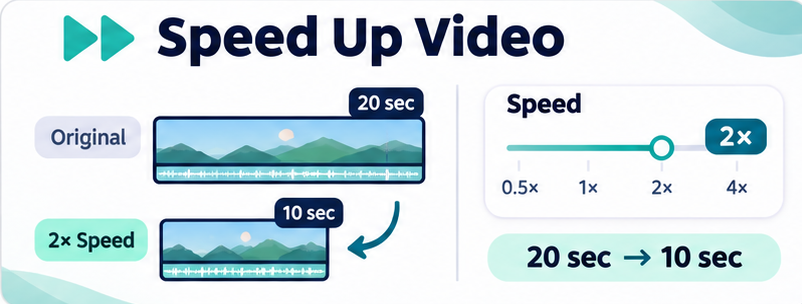
How to speed up a video in CapCut with 2x playback speed reducing a 20-second clip to 10 seconds
Uncategorized

How to Speed Up a Video in CapCut Without Ruining Audio

ByJason Reading Time: 5 minutes

Learn how to speed up a video in CapCut on iPhone, Android and PC, use speed curves, protect audio and export a smooth fast-motion edit.

Read More How to Speed Up a Video in CapCut Without Ruining AudioContinue

CapCut Temp

Discover creative CapCut templates and practical editing guides for TikTok, Instagram Reels, and YouTube Shorts.

Explore Templates

  • Speed Ramp
  • Anime Face
  • Slow Motion
  • Photo Dump
  • Dreamy Glow
  • 3D Zoom

Editing Guides

  • Auto Captions
  • Using CapCut in India
  • Template Troubleshooting
  • All Articles
  • Privacy Policy
  • Contact
  • Disclaimer
  • Terms and Conditions

© 2026 Capcut templates

  • Home
  • All Templates
  • CapCut Trends
  • New Trends
  • Helpful Guide
  • Contact