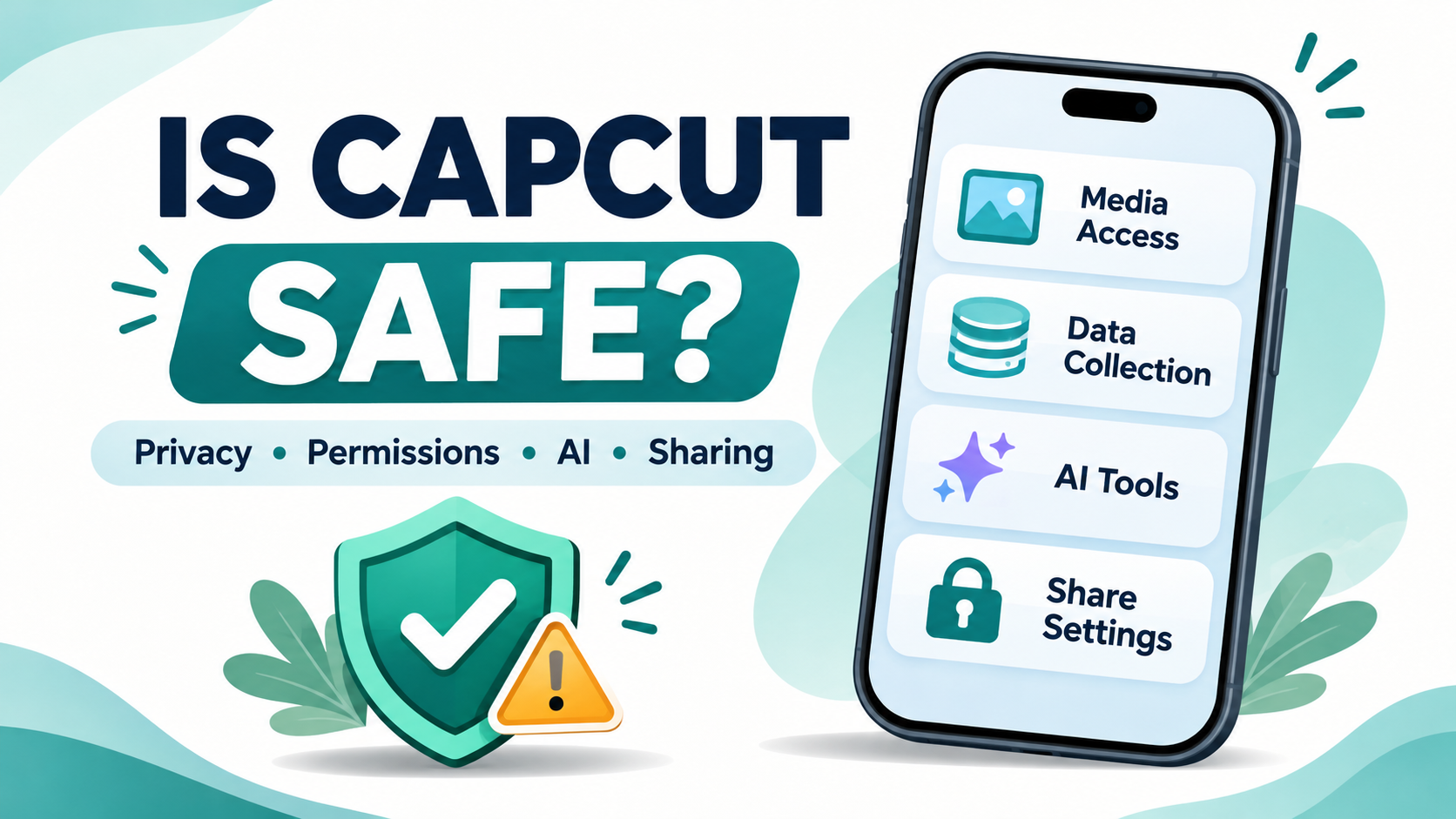
Is CapCut Safe? Privacy, Permissions, AI & Data Explained (2026)
Is CapCut safe? The official app can be a practical choice for ordinary video editing, but security, privacy, and content ownership are different concerns. Its published policies describe security measures and extensive data processing. The important question is not simply whether the editor works—it is whether its data practices are suitable for the footage and people involved.
This guide explains what CapCut says it collects, why it asks for device permissions, what can happen to unpublished footage, and how to reduce privacy risks. It focuses on the US privacy policy updated April 15, 2026; the rules, company responsible for processing, and features may differ in other regions.
Is the Official CapCut App a Virus?
There is no sound basis for treating the official CapCut editor as malware solely because it requests access to photos, a microphone, or the internet. Video editing apps require certain permissions for importing clips and recording narration. However, a legitimate app is not necessarily the right choice for confidential material.
Download CapCut through an official app store or the real CapCut website, keep the app updated, and avoid modified APKs, unofficial premium versions, and unverified download pages. Those substitutes can introduce risks unrelated to the genuine product. If you are in a restricted market, read our guide to downloading CapCut in India safely before choosing a source.
What Information Does CapCut Collect?
According to its US policy, CapCut may process information supplied directly, collected automatically, and received from partners. Collection varies with how you use the service and what permissions are available.
- Account information: sign-in details and profile information you provide.
- Device and network information: IP address, device identifiers, operating system, connection details, app version, and diagnostic logs.
- Usage activity: features used, videos viewed, engagement, and service interactions.
- Imported and generated content: photographs, videos, audio, templates, AI prompts, files, and associated metadata.
- Content analysis: objects, scenery, spoken words, and face or body characteristics relevant to effects, captions, recommendations, or moderation.
- Approximate location: location inferred from sources such as IP address or SIM region.
These categories do not mean every user shares every type of information. Still, limiting permissions is not the same as stopping all data collection: technical and account information may also be gathered during ordinary use.
Does CapCut Upload Videos Before You Publish Them?
Possibly. The US privacy policy explicitly states that user content may be collected through pre-uploading when you create, import, or upload material, even before saving or publishing. Its examples include recommending audio, generating captions, and delivering personalized features.
Pre-uploading is different from publicly posting. The policy does not establish that every imported clip becomes visible to other users. But it also means you should not automatically assume that an unfinished local-looking project stays entirely on your device.
Avoid importing confidential legal documents, medical files, private employee recordings, or client footage that you are not authorized to process with a third-party service. For a routine project, learn the editing workflow in our beginner’s CapCut guide while keeping your privacy expectations in mind.
CapCut Permissions: Photos, Camera, and Microphone
Photo and video access lets the app import files; microphone permission enables recording a voice-over; camera permission may support capturing footage or specific effects. The exact labels and options depend on the device, operating system, and editing feature.
How to check permissions on iPhone
- Open Settings, locate CapCut, or review the appropriate Privacy & Security category.
- Check Photos access and choose selected media when the device supports that option and it fits your work.
- Disable Camera or Microphone access when you do not need recording functions.
- Test the editor; restore access for a specific task only when required.
How to check permissions on Android
- Open Settings → Apps → CapCut → Permissions; manufacturers may arrange these menus differently.
- Review Photos and Videos, Microphone, and Camera permissions.
- Use limited-media access or permission prompts when supported.
- Review the settings again after major updates.
CapCut on desktop and web has different operating-system and browser controls. Denying microphone access should limit that particular device capability; it does not make an online editor completely offline.
Is CapCut AI Safe and Private?
AI captions, effects, and image transformation tools may analyze submitted video, audio, images, and prompts. CapCut’s US policy includes information supplied to AI interfaces among the categories of user content it may collect. The privacy implications depend on the feature and whether material is processed online.
A sensible rule: do not feed IDs, financial records, private conversations, sensitive client content, or confidential documents into AI tools without authorization. CapCut says certain face and body feature information used for effects is deleted after the effect is applied and is not used to identify individuals. That statement does not automatically describe the retention of the original video or every AI-generated result.
Does CapCut Own Your Videos?
The US terms distinguish ownership from a license. They state that CapCut does not take ownership of original user content simply because you use the service. They also describe a broad license associated with user content submitted through the services. That license is relevant when you upload work made for someone else.
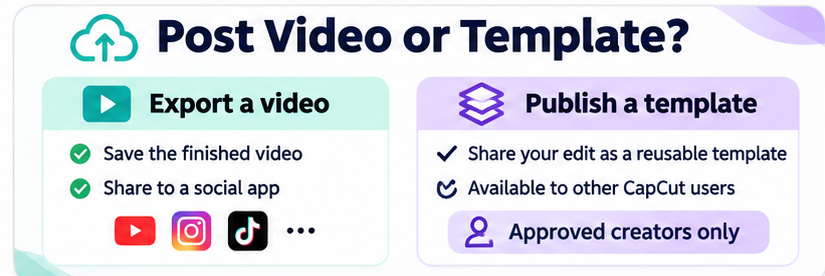
Before sharing or uploading commercial footage, check your client’s contract, usage rights, and the current CapCut terms. Creating a reusable public template is a separate decision from exporting a private video: see our guide to posting CapCut videos and templates for the workflow and creator requirements.
Does CapCut Share Data With Other Companies?
The policy describes processing and sharing in different circumstances, such as use of service providers, affiliates, integrations, analytics or advertising arrangements where permitted, and legal obligations. The details can vary by region and feature.
It would be misleading to claim that every private clip is sold or publicly disclosed. Equally, privacy should not be defined as a promise that no outside service ever handles your data. Review the privacy settings and any available rights or opt-outs for your country.
How to Use CapCut More Safely: Practical Checklist
- Use the official app. Avoid cracked installers and unauthorized packages.
- Limit device permissions. Grant access only to selected media and recording hardware when possible.
- Keep sensitive footage out of uploads. Choose a suitable approved workflow for medical, legal, employee, or confidential client projects.
- Check sharing visibility. A saved export, cloud project, and published template are not the same thing.
- Protect your account. Use a strong unique password for linked logins and avoid sharing account credentials.
- Back up your originals. Keep your source footage in a location you control before making major changes.
- Check music and asset licenses. Availability inside an editor is not universal commercial permission; see our CapCut music guide.
- Revisit policies. AI features, regional rules, and data practices may change.
If your concern is an outage rather than privacy, our CapCut connection troubleshooting article deals with service issues. If you want to stop paying, our cancellation guide explains subscription steps, which are separate from account or data deletion.
When Should You Avoid CapCut for a Project?
Consider another editor when company policy prohibits cloud processing, a client contract restricts third-party access, the footage contains protected personal information, or you need specific retention and data-residency guarantees. Desktop software is not automatically private; verify the actual workflow and service requirements.
For low-sensitivity personal clips, installing the genuine editor, limiting permissions, and treating online or AI features with care may be enough. Your tolerance for privacy trade-offs should depend on the material—not simply the app’s popularity.
Frequently Asked Questions
Is CapCut safe to install on iPhone or Android?
The genuine app from an official source is a more trustworthy option than a modified installer. It remains important to understand permissions and data practices before using sensitive material.
Can CapCut access videos that I haven’t posted?
Its US policy says content may be pre-uploaded during creation, import, or upload even before saving or publishing. This does not mean the footage is publicly visible, but it is not a guarantee of device-only processing.
Can I limit CapCut to selected photos?
Some iOS and Android versions offer limited photo-library permissions. Choose selected media where supported; the editor may ask for additional access for other workflows.
Is CapCut suitable for client work?
It depends on the footage, contract, and any workplace privacy requirements. Obtain permission for third-party processing and avoid uploading confidential projects without an appropriate agreement.
Will uninstalling CapCut delete my data?
Uninstalling software, deleting local projects, and requesting account or cloud-data deletion are distinct actions. Back up local projects first and use the appropriate privacy and account controls.
Final Verdict: Is CapCut Safe?
CapCut can be suitable for ordinary personal editing, but not every use is equally private. The official app is not proven malicious by the existence of data collection, yet you should not assume unpublished videos are never processed online. For confidential projects, use a workflow that meets the relevant privacy and contractual requirements.
For the precise US disclosures used in this review, read the official CapCut Privacy Policy, updated April 15, 2026. Regional policies may differ.